Search the registry
Type the Regimate ID printed on the label (it starts with RM-), or the item's serial number or IMEI, into Magic Search.
Open Magic SearchFound something?
If it has a Regimate label or tag, you can let the owner know in under a minute. You don't need an app or an account, and your details stay private.
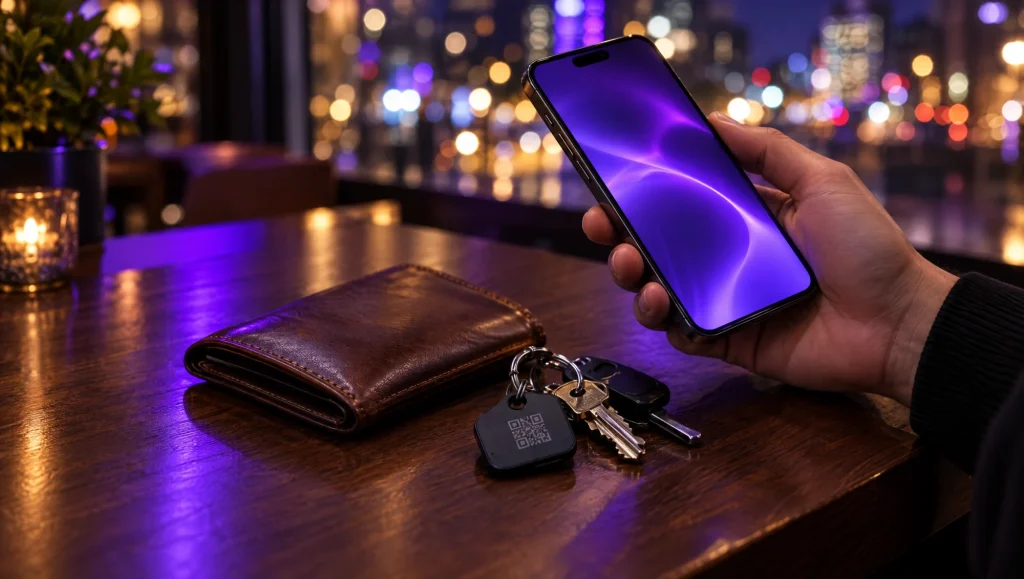
Point your phone's camera at the QR code on the label, tag or lock screen, or tap an NFC sticker. It opens the item's private finder page.
Say where it is and how to get it back. If you like, add your first name, a photo, or where you found it. All of this is optional.
Keep the private link to come back to the conversation, or ask for email updates. We'll confirm your email first, and you can stop them with one click.
Agree a busy, public place to meet, or hand it in at a police station. The owner can send you a thank-you once it's back.
No QR code?
Type the Regimate ID printed on the label (it starts with RM-), or the item's serial number or IMEI, into Magic Search.
Open Magic SearchCompany equipment shows "This belongs to" with the organisation's name. Send them a message from that page and their team will be notified.
A Regimate code on a door or gate alerts that property's keyholders. In an emergency, call 999 or your local emergency number first.
Staying safe
Your privacy as a finder
The owner never sees your email address. If you share a location or a photo, only the owner sees it. We keep your IP address for safeguarding for up to 12 months, delete conversations after two years, and clear your email address after 90 days without messages.
Read the privacy policyFree for personal use
Register your first item in under a minute. When it matters, whoever finds it can reach you, and you stay private.