In short
- An asset register is a single list of everything your business owns, where it is, who has it and what it’s worth.
- Record a unique tag, serial number, location, custodian, condition and value for each asset.
- Label every asset, so you can audit it in seconds and a finder can return it.
- Start with your highest-value and most portable assets, then work outwards.
Ask most small and mid-sized businesses how many laptops they own, or which van the laser level is in, and you’ll get a shrug. Kit gets lent, moved, left on site and forgotten, until it’s needed, or until it’s gone.
It happens at every scale. Freedom of Information research by Apricorn found UK government departments reported more than 1,200 devices lost or stolen in 2024, 804 of them at HMRC alone.1 For trade businesses, tool theft cost an estimated £98.9 million in 2025.2
An asset register won’t stop every loss, but it means you know what you have, notice quickly when something goes missing, and can prove what’s yours.
What is an asset register?
An asset register (or fixed asset register) is a record of the physical assets a business owns: IT equipment, tools, vehicles, machinery, furniture and anything else of lasting value. For each one it records what it is, where it is, who’s responsible for it and what it’s worth.
It’s used day to day by operations and IT teams, and at year end by finance teams, who use it to calculate depreciation and check the balance sheet.
Why it’s worth the effort
- Stop buying things twice. If you can’t find it, you’ll buy another one.
- Notice losses quickly. A missing laptop discovered the same day is a very different problem from one discovered at the year-end audit. Old but often-cited research by the Ponemon Institute for Intel put most of the cost of a lost business laptop down to the data on it, not the hardware.3
- Accurate accounts. Depreciation, disposals and insurance values all come from the register.
- Insurance and claims. Serial numbers, photos and purchase records make claims faster.
- Accountability. When every asset has a named custodian, things come back.
- Compliance and safety. Track inspections, servicing and safety checks (such as portable appliance testing) against each asset.
What to record for each asset
| Field | Why it matters |
|---|---|
| Asset tag | A unique ID on a label, such as IT-0142 or TL-0031, so everyone refers to the same thing |
| Name and category | What it is, grouped for reporting: IT, tools, AV, vehicles |
| Make, model and serial number | Proves ownership and identifies it if it’s lost or stolen |
| Other identifiers | IMEI for phones, MAC address for networked devices, VIN for vehicles |
| Location | Site, building, room, or a specific van |
| Custodian | The person responsible for it right now |
| Status and condition | In use, in maintenance, lost, stolen, disposed |
| Purchase date and price | The starting point for depreciation and insurance |
| Current value | Calculated from depreciation |
| Inspections and warranty | When it was last checked and when cover ends |
| Photo and documents | Invoice, warranty and a picture of the item |
A quick word on depreciation
Most assets lose value over time, and the register is where that’s tracked. The two common methods are:
- Straight-line: the asset loses the same amount each year over its useful life. A £1,200 laptop with a three-year life and no residual value loses £400 a year.
- Reducing (or declining) balance: the asset loses a fixed percentage of its remaining value each year, so it drops faster early on. This often suits IT and vehicles.
Your accountant will tell you which methods and useful lives to use. The register just needs to apply them consistently.
Spreadsheet or software?
A spreadsheet is fine for a handful of assets and one person maintaining it. It starts to creak when several people update it, when assets move between sites daily, or when you need a history of who had what. Dedicated asset software gives you permissions, a change history, labels and scanning, and reports without the formula errors.
How to set one up in a day
- Decide what counts. Set a value threshold (for example £100), plus anything portable or attractive to thieves, whatever its value.
- Agree your tag format and categories, such as IT-, TL- and AV- prefixes.
- Map your locations: sites, buildings, rooms and vans.
- Start with the riskiest assets: laptops, phones, tablets, power tools, test equipment and cameras.
- Walk round and record each one, with a photo of the serial label, and stick on its asset label.
- Assign a custodian to every asset that leaves the building.
- Set a routine: a quick audit each quarter, inspections on a schedule, and a rule that new purchases are registered before they’re handed out.
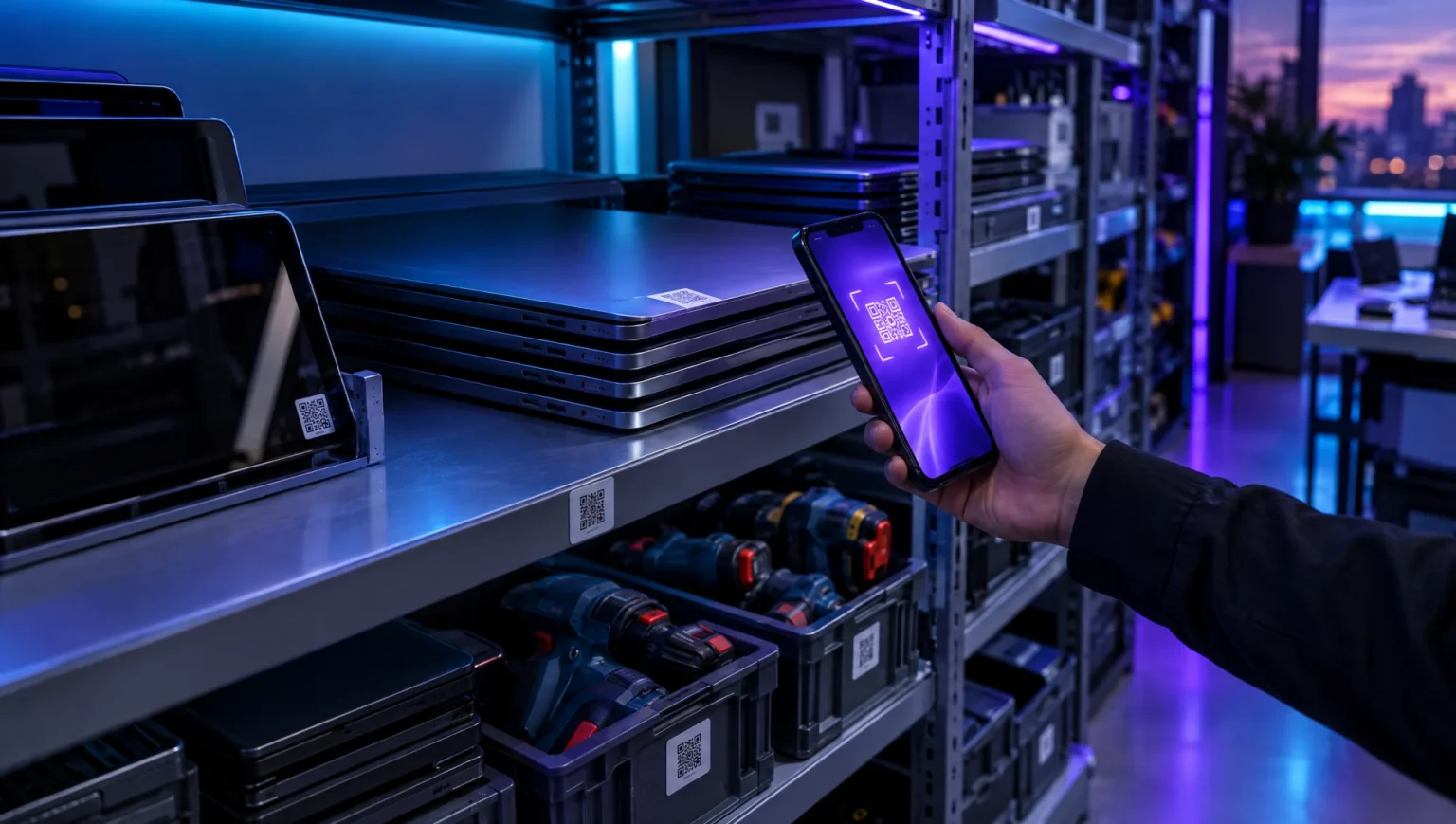
Tip: label assets with a QR code rather than just a printed number. Staff can scan to check something in or out, auditors can confirm it in seconds, and if it’s lost, whoever finds it has a way to return it.
When assets go missing
Most registers stop at recording. Regimate Enterprise also helps lost assets come back. Every asset can carry a QR label or Regimate tag. Anyone who finds it can scan it and message your organisation, without seeing your team’s contact details. They see only the asset’s name and your organisation’s name. Your owners, admins and managers are notified.
Mark an asset as lost or stolen and, if a dealer or pawnbroker checks its serial number through the Finder API, you’ll be alerted.
Regimate Enterprise at a glance
- A complete asset record: tag, serial, MAC, IMEI, location, condition, value, photo and notes.
- Roles for owners, admins, managers and viewers, with colleagues invited by email.
- Locations modelled as sites, buildings and rooms, with bulk moves of up to 1,000 assets.
- Straight-line or declining-balance depreciation, inspections and a provenance trail for every asset.
- A contractor API, so suppliers and installers can submit assets straight into your register.
- Free for up to 25 assets, with paid plans from £79 a month. See pricing.
Explore Regimate Enterprise or start free.
Frequently asked questions
What is the difference between an asset register and an inventory?
An inventory tracks stock you sell or use up. An asset register tracks things the business keeps and uses over time, like laptops, tools and vehicles, along with their location, custodian and value.
What should be included in an asset register?
At minimum: a unique asset tag, description, category, make, model and serial number, location, custodian, status, purchase date and price, and current value. Inspections, warranty dates and photos are useful extras.
How often should an asset register be checked?
Check high-risk portable assets at least quarterly and the whole register at least once a year, usually before the year-end accounts. Register new assets as soon as they arrive.
Is a spreadsheet good enough for an asset register?
For a small number of assets managed by one person, yes. Once several people are updating it, or assets move between sites often, dedicated software with labels, permissions and a change history is more reliable.
Sources
- Apricorn FOI research on government devices lost or stolen in 2024, reported by SecurityBrief, May 2025. securitybrief.co.uk
- Simply Business tool theft research, March 2026. installeronline.co.uk
- Ponemon Institute for Intel, “The Cost of a Lost Laptop”, 2009 (US organisations). intel.com